Brother Mobile Connect能够为用户提供专业的打印机服务,能够与Brother兄弟打印机配套进行使用,软件中将会为用户提供实时的打印机情况,Brother Mobile Connect帮助用户能够轻松查看打印机中墨水和墨粉量,平台中将会为用户提供多种不同的功能,能够为用户提供自定义的打印服务,支持打印文档、照片等各种格式的文件,为用户提供更多的便利。
Brother Mobile Connect可以为用户提供打印机的控制服务,让用户能够在平台中轻松控制打印机进行打印,软件将支持多种不同格式的文件进行打印,更有超多功能服务等你来体验,为用户提供更多的玩法内容。
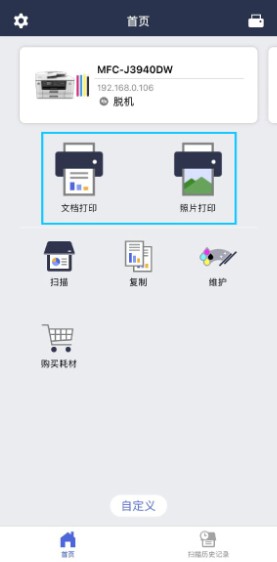
1、在App主屏幕中点击【文档打印】或【照片打印】
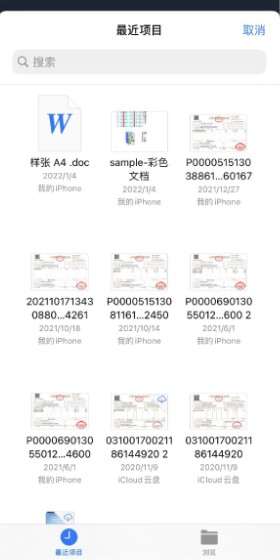
2、选择需要打印的文档或照片
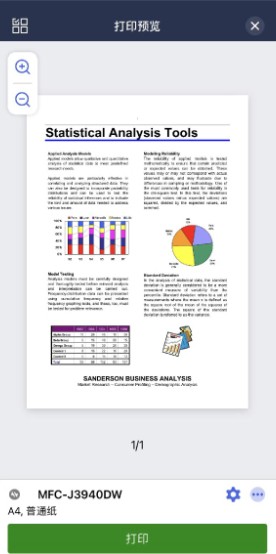
3、点击设置图标可进行打印设置,按【打印】
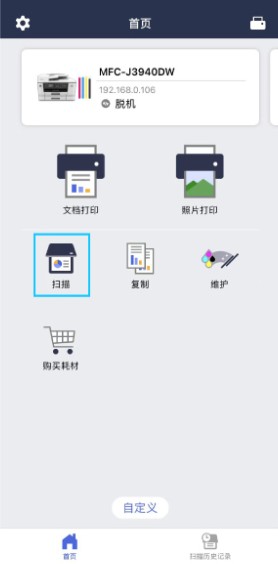
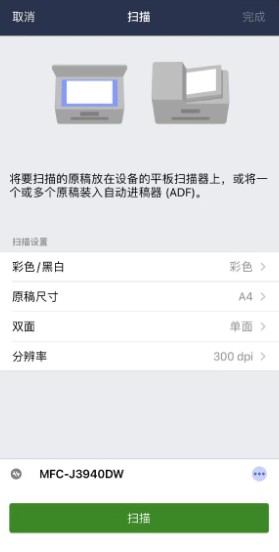
1、在App主屏幕中点击【扫描】
2、选择需要的扫描设置,按【扫描】
1、通过移动设备设置 Brother 打印机。
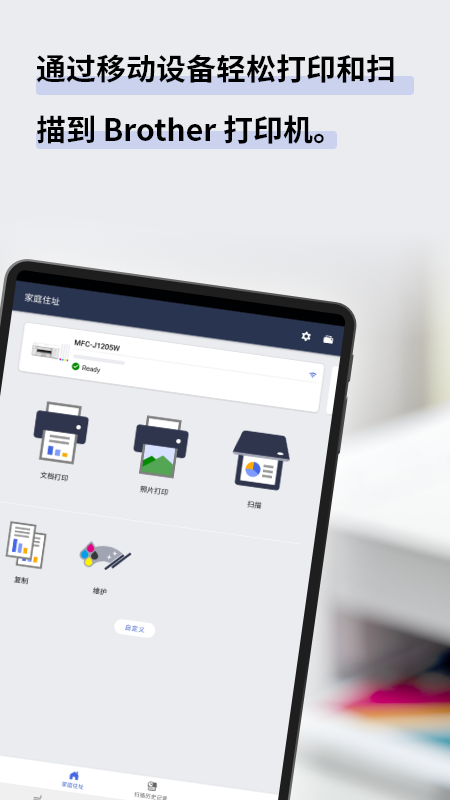
2、通过移动设备打印照片和文档。
3、直接扫描照片和文档到移动设备。(PDF/JPEG)
4、支持多种型号打印机,爱普生/惠普/佳能/华为/小米都可以使用
- 设置
通过移动设备设置 Brother 打印机。
- 打印
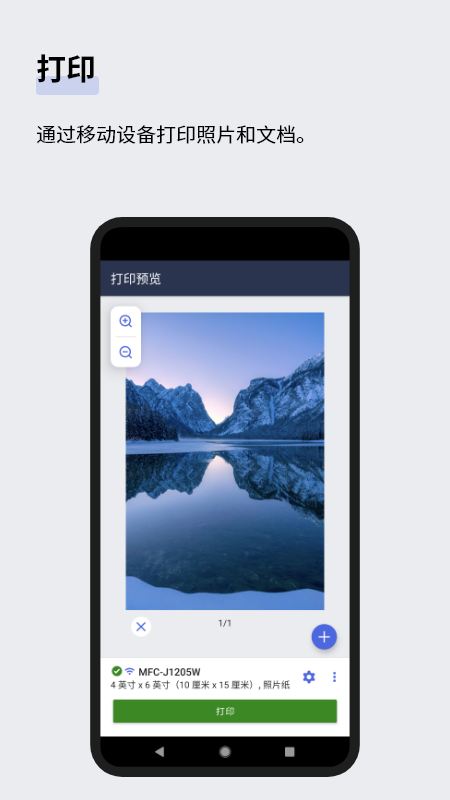
通过移动设备打印照片和文档。
打印前修剪照片
- 扫描
直接扫描照片和文档到移动设备。(PDF/JPEG)
- 复印
更改复印设置并开始通过移动设备复制文档。
- 历史记录
将扫描的数据保存到设备历史记录。
您可以打印、分享或保存先前的扫描。
- 管理
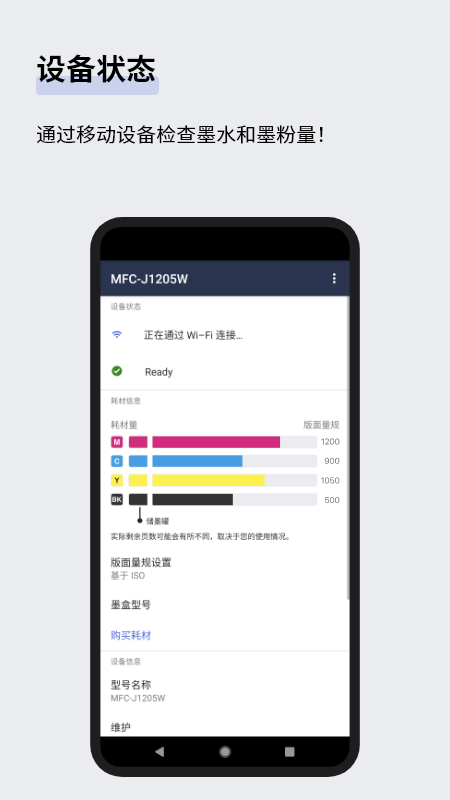
通过移动设备检查墨水和碳粉量!
使用应用程序购买 Brother 原装墨水和墨粉。
- 自定义
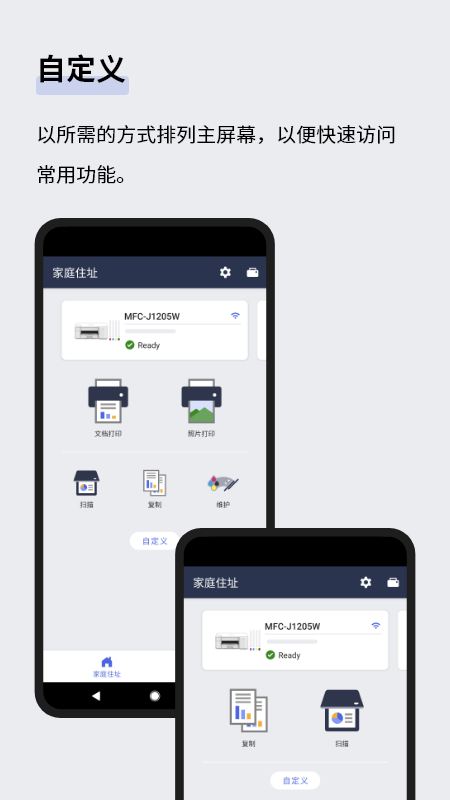
以所需的方式排列主屏幕,以便快速访问常用功能。
- 通知
接收收官耗材和服务的信息*
- 高级连接
注册 Brother Online 帐户以使用设备的其他功能,例如远程打印。
1、打印复制到剪贴板的内容。
2、你可以直接打印通过Android摄像头拍摄的照片。
3、简单易操作的菜单界面。
4、您可以通过Android设备直接操作扫描。
举报
4.5
满分5.0分





我要评论